Williams Stereo Adapter for Stargate, Joust, and Sinistar
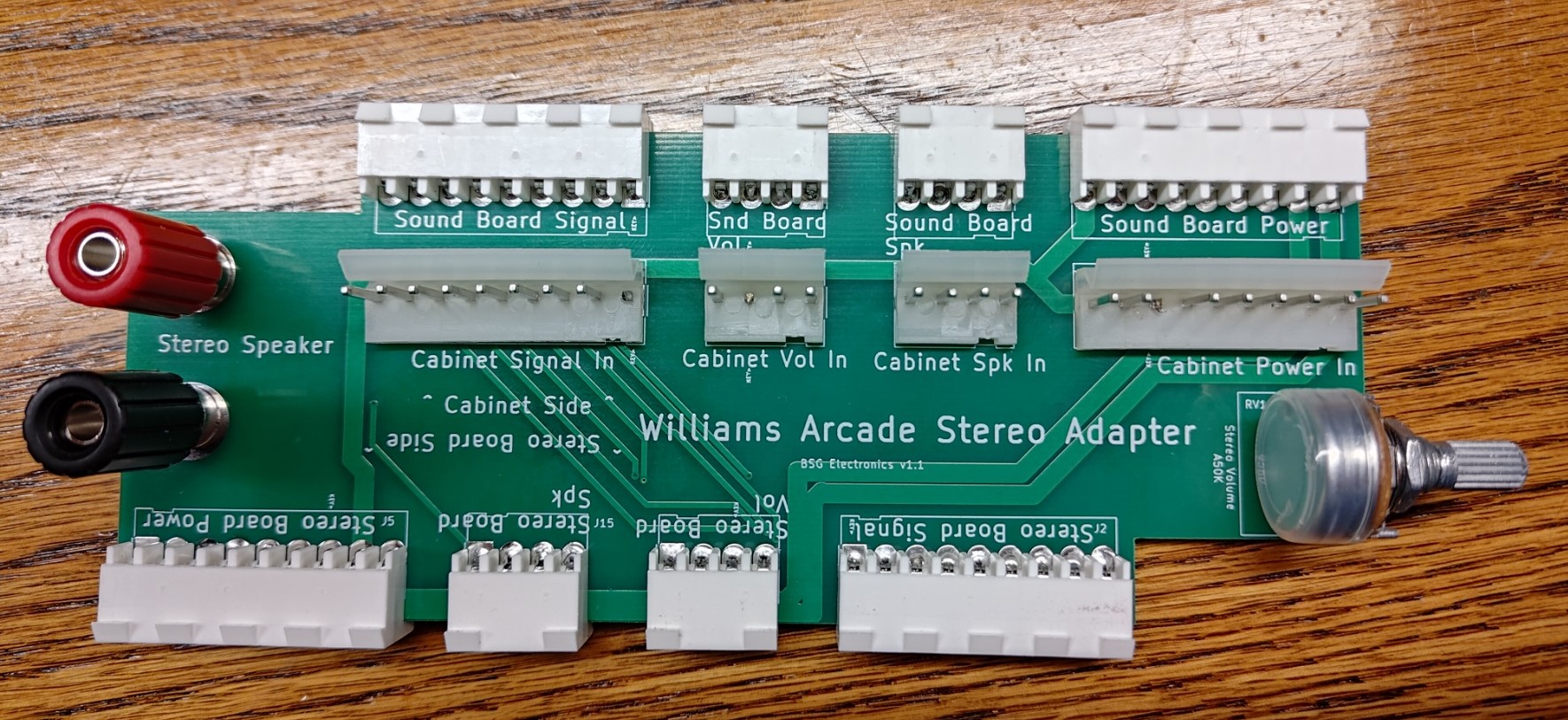
Add stereo sound to your Stargate, Joust, or Sinistar
What Is It?
One of the only early-80s Williams games that featured stereo sound was Sinistar — but only in the cockpit version. This project shows how you can add that same original stereo sound to an upright Sinistar, as well as add stereo to Joust and Stargate.
Videos
I added stereo to my Stargate and it sounds great! Unfortunately, it’s difficult to hear the stereo in a cell phone video recording — it sounds much better in person.
What You’ll Need
-
A second working Williams sound board (1C-2001-146-6) — look for one on eBay.
-
A 2532 EPROM programmed with either the Sinistar, Joust, or Stargate special stereo ROM (keep reading for more info).
-
A soldering iron and experience with soldering.
-
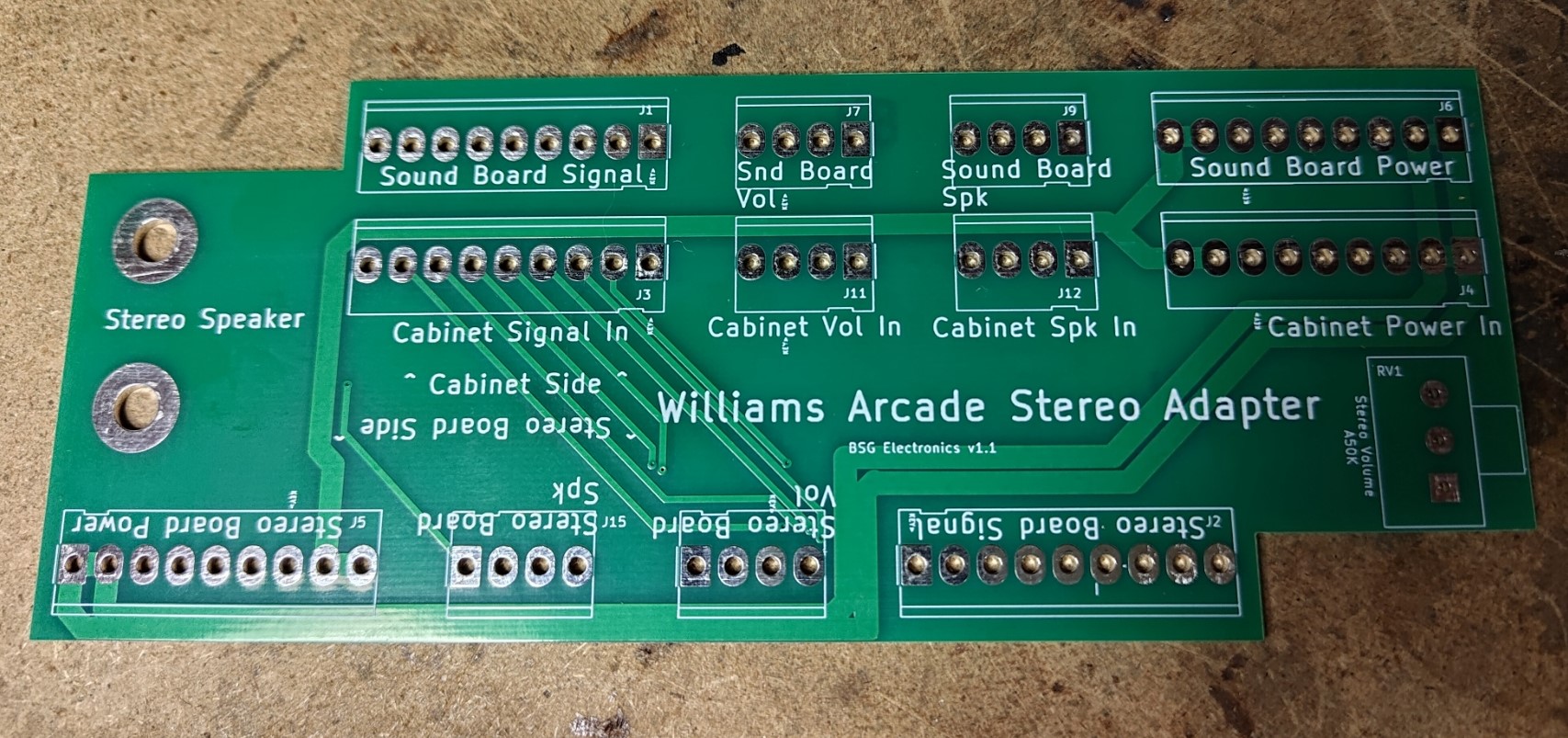
An interconnect PCB. This PCB avoids custom wiring or hacking of the stock harness — the stereo board taps all its connections right from the main harness and provides quick screw terminals for easy speaker hookup, plus a built-in volume pot. Available from BSG Electronics or Ebay.
-
An 8-ohm speaker or similar. You can place the speaker on a shelf, on top of the cabinet, or do a more permanent install inside the cabinet if you prefer — I used a small Bose bookshelf speaker with my Stargate.
-
Speaker wire.
-
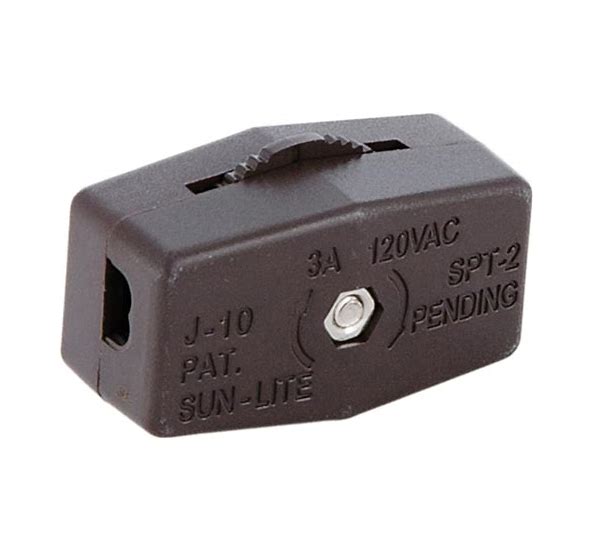
An inline click-wheel switch (optional) — lets you easily toggle stereo on/off.
-
Molex and speaker parts from Digikey. (Note: these cheaper 4mm speaker posts on eBay will also work.)
-
8x 1/4” hex x 1-1/2” aluminum standoffs, 8-32 thread, male/female
Stereo ROMs
Download the stereo ROMs (ZIP)
Assembly Tips
-
Test the stereo board before installing the ROM or changing any jumpers. The Stargate stereo ROM does not play any sounds when you press the diagnostics button — I haven’t confirmed yet whether Joust or Sinistar stereo makes diagnostic sounds.
-
Jumper the stereo board for a 2532 EPROM. Connect the W1, W3, W4, W5, W7, W10, and W15 jumpers; remove all other jumpers. See jestersattic.com’s Williams sound board reference for more detail.
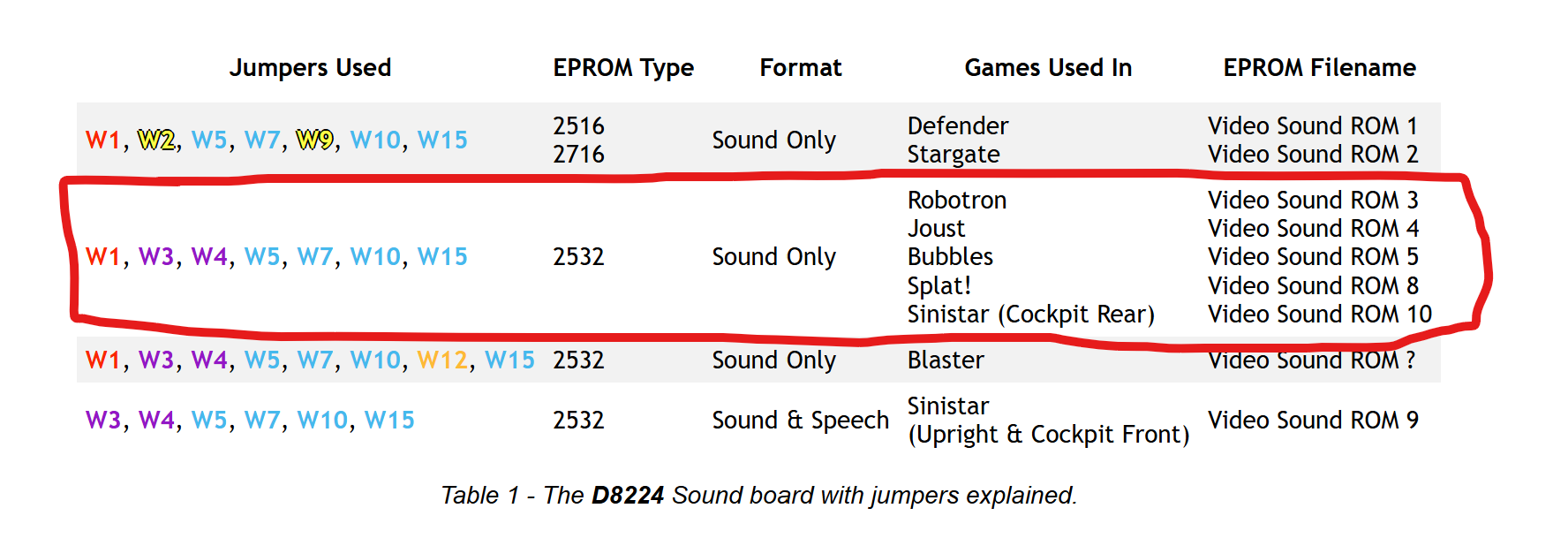
-
Note: even though Stargate uses a 2716 for its main board, a 2532 is still needed for the stereo board.
-
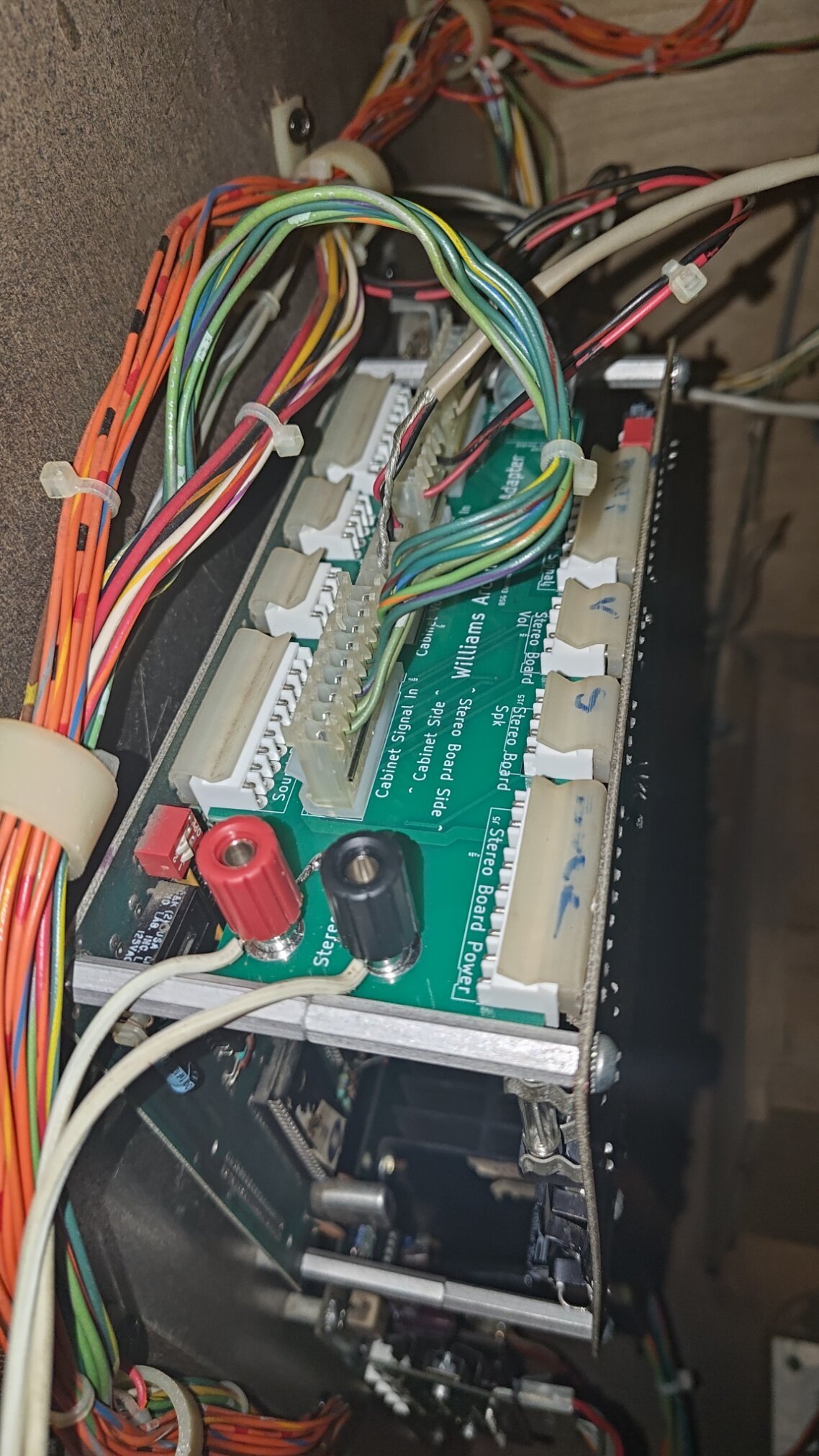
Remove the screws from your existing sound board and replace them with the hex standoffs. Reuse the existing screws to mount the stereo board to the standoffs.
-
Need a 2532 EPROM programmed? Message me — I may be able to help.
Thank You
Thanks to Synamax for reverse-engineering the Sinistar source code and creating the Joust and Stargate versions of the stereo ROM. Check out his story here: